


Squirrel
Community Leader
-
Joined
-
Last visited
Everything posted by Squirrel
-
Sigh. I've been fostering a kitty and some people came to meet him tonight. I was feeling a little sad that I'm going to be saying good bye to Mr. Big Kitty soon.
-
POTN ... so far
-
Do you like my current one? Jimmer and Vanimal were big fans of it.
-
Geez, reading this game thread thus far you'd think the Twins were behind 10-0
-
Hi, Denny Crane ... Denny Crane ... Denny Crane
-
Ick
-
There were a few creepy dolls. And I need to remind everyone, this was Chief's fault as he objected to this as my avatar:
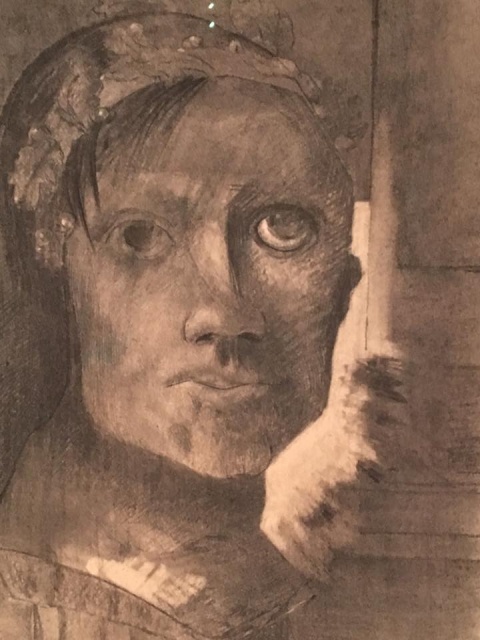
-
And thinking about that is worse than my eye avatars.
-
It's called an intelligence quotient ... or lack thereof in the case of football fans.
-
Find a creepy eye one ... jimmer loves those.
-
Sigh ... and that's the game ... time for some shut eye.
-
But I think the point we are trying to make is that we were probably a little bit crazy and unstable to begin with. The season this year has just brought it closer to the surface.
-
Game thread as usual, then. Well, except we need Aggies to make it complete
-
You can blame Chief for this. He was the one who wanted me to change my avatar.
-
Well, that would make sense. Actually, it would have made sense to have him be the DH this whole game.
-
lol ... I have a good friend like that
-
Jimmer ... how's this one?
-
Besides, we're going for scary or creepy ... so your avatar works just fine for that
-
I'm giving the evil eye to the Cleveland pitcher.
-
I've got my eye on you, too, so hush up.
-
You have the ability to edit, you know.
-
Wow ... Sano!!! I've got my eye on him!
-
You deleted that jinxing comment of yours too quickly. I've got my eye on you.
-
Heh, I think I found a keeper.
-
Mine only has one eye, too!


