


formerly33
Verified Member
-
Joined
-
Last visited
Everything posted by formerly33
-
I miss JB too:
-
BALLGAME!!!!!!!!!
-
Abreu grounds out to Escobar. 2 down.
-
Grounds out to Doz.
-
Bottom 9th Pitching: Duensing At bat: Cabrera, Me And that is your Circus Boy Update.
-
They ain't comin' back.
-
How about not?
-
8 K's!!! That's the 3rd time he's done that!
-
No I didn't. What happened? Did he put a bandaid on the bad owie?
-
Of course he did that on purpose. Can somebody relay the Hawkism?
-
Picks up his 7th K!!
-
That means you're not on here, either. I didn't say we didn't have MVP's, I said we were missing a lot. ETA: I'm too popular among some of the high up people to ever be considered an MVP
-
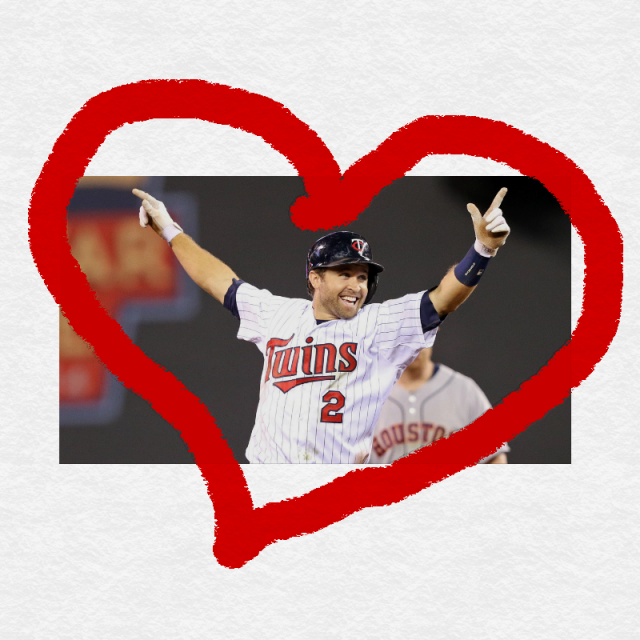
It fits perfectly, doesn't it?!
-
Alright, shhh.
-
Judging by the sounds emitting from the fans at U.S. Cellular, there is now a larger percentage of Twins fans than White Sox fans.
-
Dog days?
-
Peppermint tea for me, lol.
-
I've been having to forgive you for a lot of Harrelson calls lately.
-
BRIAN DOZIER!!!!!!!!!!!! 2nd time this year I think!!!!
-
Post of the day.
-
http://mrwgifs.com/wp-content/uploads/2013/07/Bye-Bye-Bye-NSYNC-Dance-Gif.gif This is what we say to Quintana. And it reminds me that we are also missing Ash.
-
Kind of like that epic Hawk call where somebody (don't remember who) homered and he was silent. The umpires have been doing pretty good, so there was no need for his "NO! NO! NO! NO! NO! NO! NO! NO!" call.
-
Now that is a sad thought indeed.
-
That little guy always makes me wince. The Sox must look like this to him:
-
Game threads sure are quiet when Chief is gone...and Brian...and no Bark to humor Brian...and ChiTown at the game...I'm sure there are some other Most Valuable Posters missing here, but my mind is drawing a blank.


