USAFChief
Community Moderator
-
Joined
-
Last visited
Everything posted by USAFChief
-
Cousin of noted Twins Daily poster bighat.

-
You is maybe right.
-
Very soon.
-
Nope but soon.
-
I just can't stomach Archer.
-
-
Who's he play for?
-
Just old. Never did well in school.
-
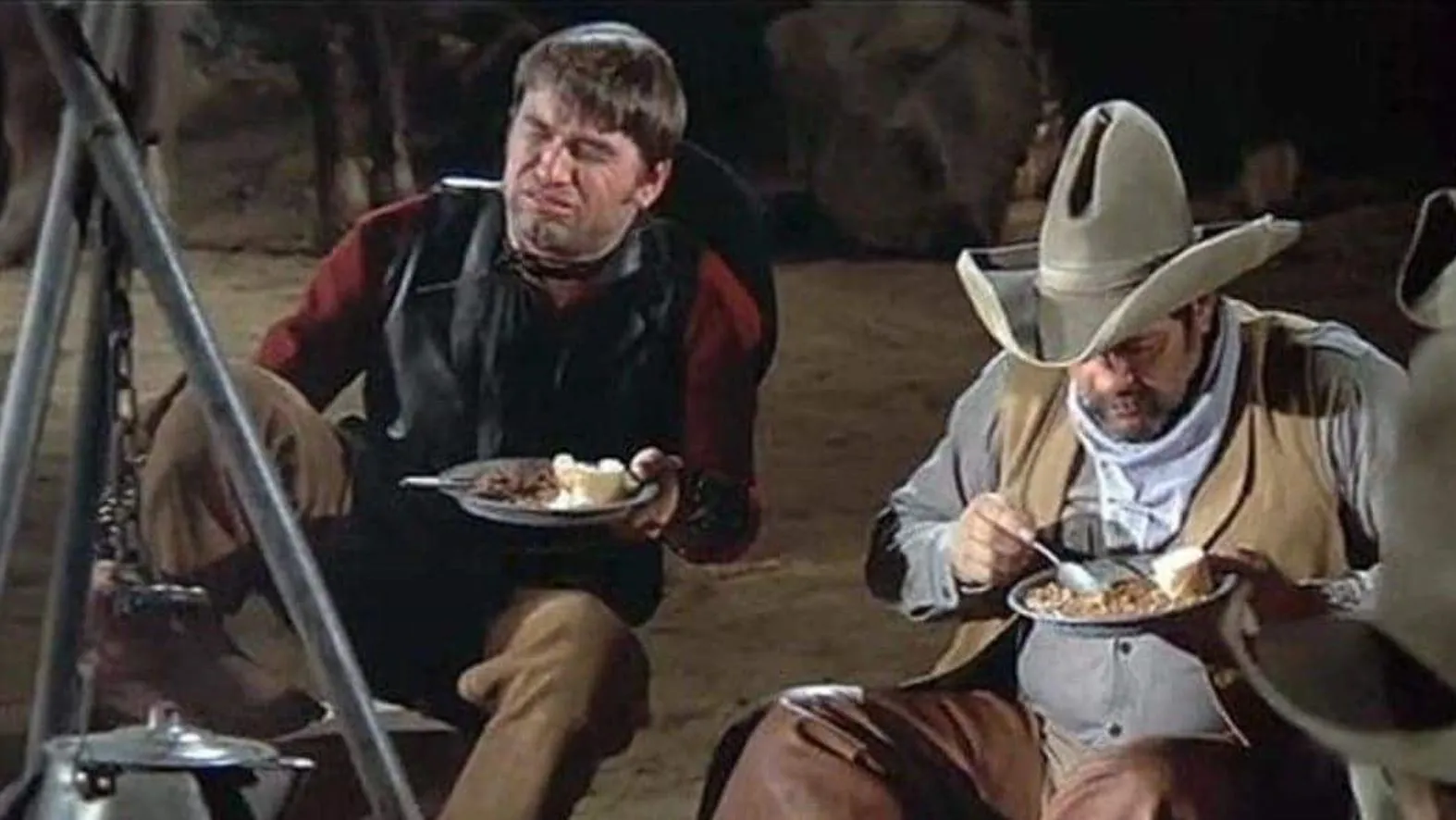
What in tarnation??
-
Open up the outside corner. Make him move his feet. Get him uncomfortable up there. Move Him off the plate. Insert fav cliche here.
-
Shagging flies?

-
Or a flyover.
-
Nor turning over
-
Is Kepler awake?
-
Nor rolling over
-
Haha
-
Fun fact: named after Babe Ruth
-
If he set his mind to it.
-
Just one goofball could send it over.
-
Totes over.
-
No way it's under.
-
For sure
-
I'll take the over.
-
Just can't stomach Archer.
-
Just can't stomach Archer.