Skip to content
View in the app

A better way to browse. Learn more.

Twins Daily

A full-screen app on your home screen with push notifications, badges and more.

To install this app on iOS and iPadOS
  1. Tap the Share icon in Safari
  2. Scroll the menu and tap Add to Home Screen.
  3. Tap Add in the top-right corner.
To install this app on Android
  1. Tap the 3-dot menu (⋮) in the top-right corner of the browser.
  2. Tap Add to Home screen or Install app.
  3. Confirm by tapping Install.

drobin3739

Verified Member
  • Joined

  • Last visited

Everything posted by drobin3739

  1. I think your right, thanks for your help!
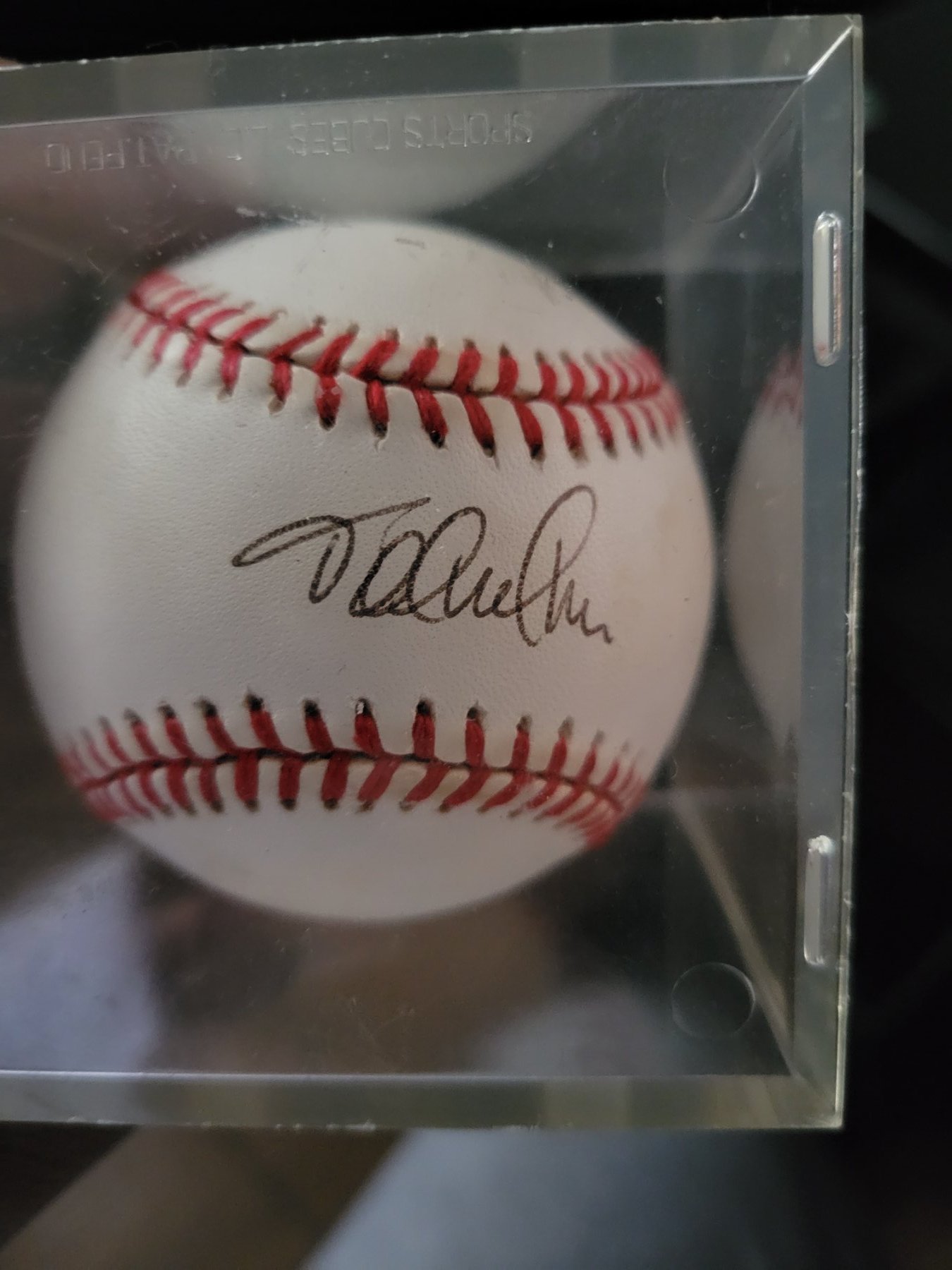
  2. Not 100% The Ball was giving to me at a fundraiser back in the late 90's
  3. Thanks for your help, maybe I'll send it to some local sportscasters next.
  4. I have a signed baseball from a pitcher but I don't know who it is, It's a pitcher from the late 90's.
Account

Navigation

Search

Search

Configure browser push notifications

Chrome (Android)
  1. Tap the lock icon next to the address bar.
  2. Tap Permissions → Notifications.
  3. Adjust your preference.
Chrome (Desktop)
  1. Click the padlock icon in the address bar.
  2. Select Site settings.
  3. Find Notifications and adjust your preference.