


Leaderboard
-
rwilfong86
Verified MemberPoints1,477Posts -
davidborton
Verified MemberPoints39Posts -
Brock Beauchamp
AdministratorPoints29,617Posts -




Popular Content
Showing content with the highest reputation since 07/26/2014 in 1654af01c913e542bdf6697fc272a95c Comments
-
The Ultimate Minnesota Twins Gift Ideas Shopping Guide
Richie the Rally Goat and one other reacted to rwilfong86 for a comment
2 pointsThanks for making this!2 points -
The Ultimate Fan Guide to Target Field
USAFChief reacted to davidborton for a comment
1 pointPlz add: "...active military members or veterans with a valid ID plus up to three guests half-price Diamond Box High or Home Plate View." Used to be just M-Th but I don't see that qualifier in there anymore. Your quoted prices for those sections seem to be stated lower than the Twins tix offerings. db, USAF Vietnam era vet1 point -
The Ultimate Fan Guide to Target Field
Melissa reacted to Brock Beauchamp for a comment
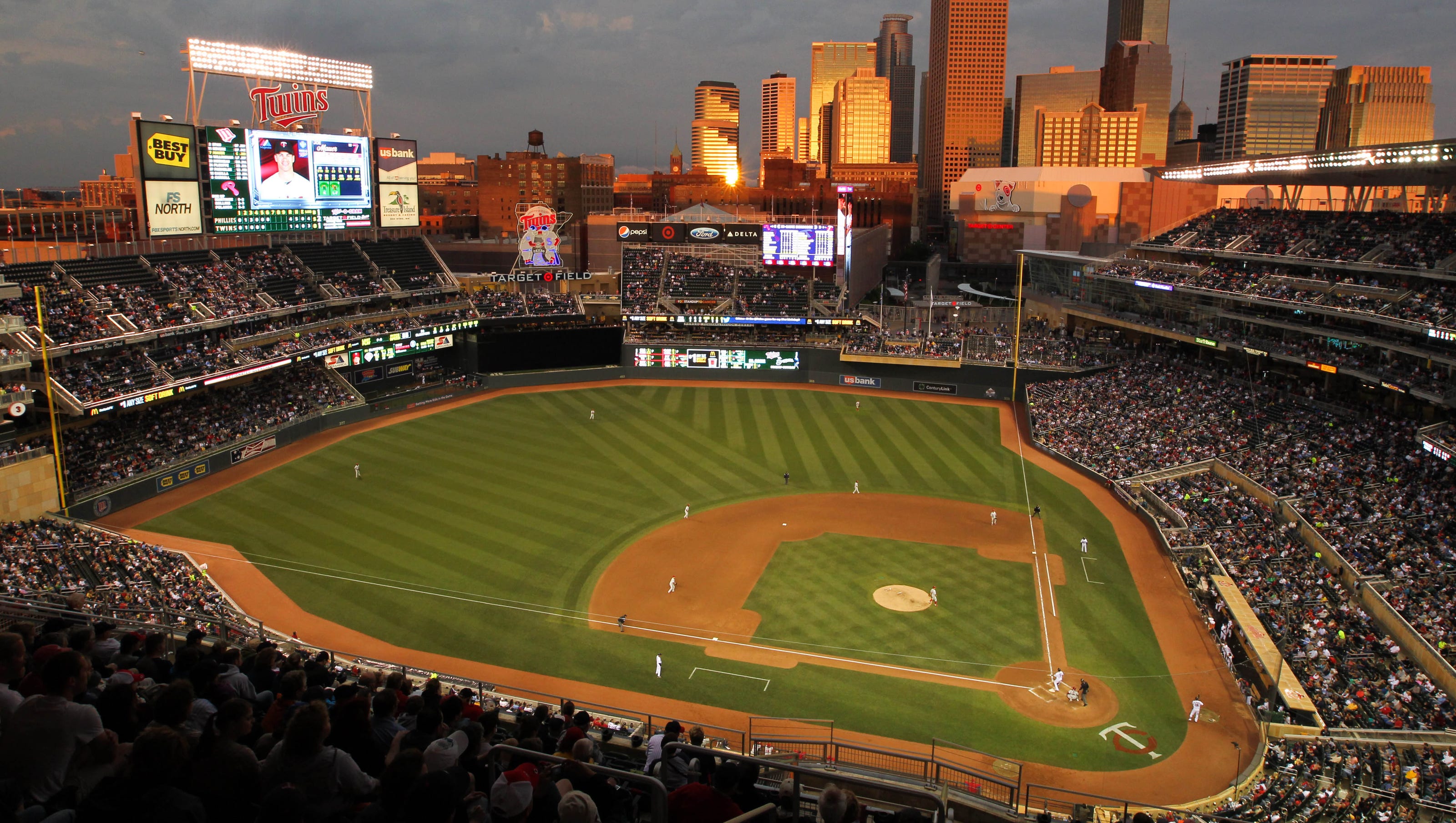
1 pointI bought a bunch of SRO tickets last year and basically sat wherever I wanted at every game. I'd sit in a spot for an inning or two and then move on to another spot. An usher spoke me to about it once or twice but never asked me to move. As for parking, the little grey dot (next to Cradle Club title) on 2nd Ave in this image is an entry point to Ramp B. 1 point
-
B ramp entrance is off of 5th St. A ramp is off of 7th or 10th.1 point
-
The Ultimate Fan Guide to Target Field
Brock Beauchamp reacted to USAFChief for a comment
1 pointFantastic add to TD. Well done!1 point


This leaderboard is set to Chicago/GMT-06:00