


Episode 129: Everyone on the DL

By Paul Pleiss
· 742 views
You can download the new Talk to Contact (@TalkToContact) episode via iTunes or by clicking here, and if you want to add the show to your non-iTunes podcast player, this is the RSS Feed.
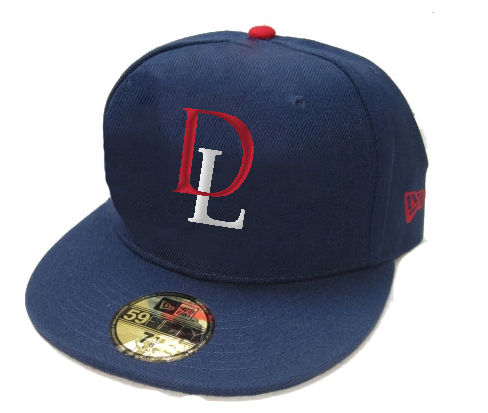
http://1.bp.blogspot.com/-qNRr4kWb11s/VUTHN5VtGrI/AAAAAAAALd8/kvDKdXyhuQE/s1600/DL.pngPhoto credit: http://www.thatstwinsbaseball.com/This week's show features long laments about the inability of the Twins defense to play anything resembling defense. Costing the Twins somewhere in the neighborhood of one run a game, the bad defense, combined with pitchers who don't miss bats and hitters who can't get on base is a recipe for disaster. Welcome to your 2015 Minnesota Twins. Hey, at least Joe Mauer has a hockey playoff beard.
And of course, beer, baseball, and the news.
[/url]
If you enjoy our podcast, please tell your friends about us and take a couple extra minutes and rate and review us on iTunes. Ratings and reviews are the only reason that Byron Buxton is any good at baseball.
Recommended Comments