Skip to content
View in the app

A better way to browse. Learn more.

Twins Daily

A full-screen app on your home screen with push notifications, badges and more.

To install this app on iOS and iPadOS
  1. Tap the Share icon in Safari
  2. Scroll the menu and tap Add to Home Screen.
  3. Tap Add in the top-right corner.
To install this app on Android
  1. Tap the 3-dot menu (⋮) in the top-right corner of the browser.
  2. Tap Add to Home screen or Install app.
  3. Confirm by tapping Install.

Episode 120: Better Call Paul

You can download the new Talk to Contact (@TalkToContact) episode via iTunes or by clicking here, and if you want to add the show to your non-iTunes podcast player, this is the RSS Feed.
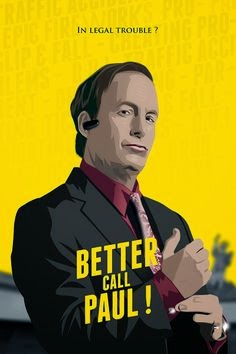


Paul is a cranky pants this week, I think he hates Spring Training. We dive into that assumption and figure out what the heck the Twins are doing for the next couple weeks. We're joined this week by Jeremy Nygaard from TwinsDaily.com to talk more about prospects, pitching, and even a little fantasy baseball. Then, as always, beer, baseball, and the news.


[/url]


If you enjoy our podcast, please tell your friends about us and take a couple extra minutes and rate and review us on iTunes. Ratings and reviews help us put toppings on our toast, and we love toast with toppings!


Source

0 Comments

Recommended Comments

There are no comments to display.

Guest
Add a comment...

Account

Navigation

Search

Search

Configure browser push notifications

Chrome (Android)
  1. Tap the lock icon next to the address bar.
  2. Tap Permissions → Notifications.
  3. Adjust your preference.
Chrome (Desktop)
  1. Click the padlock icon in the address bar.
  2. Select Site settings.
  3. Find Notifications and adjust your preference.