Skip to content
View in the app

A better way to browse. Learn more.

Twins Daily

A full-screen app on your home screen with push notifications, badges and more.

To install this app on iOS and iPadOS
  1. Tap the Share icon in Safari
  2. Scroll the menu and tap Add to Home Screen.
  3. Tap Add in the top-right corner.
To install this app on Android
  1. Tap the 3-dot menu (⋮) in the top-right corner of the browser.
  2. Tap Add to Home screen or Install app.
  3. Confirm by tapping Install.

Episode 107: Paul Molitor

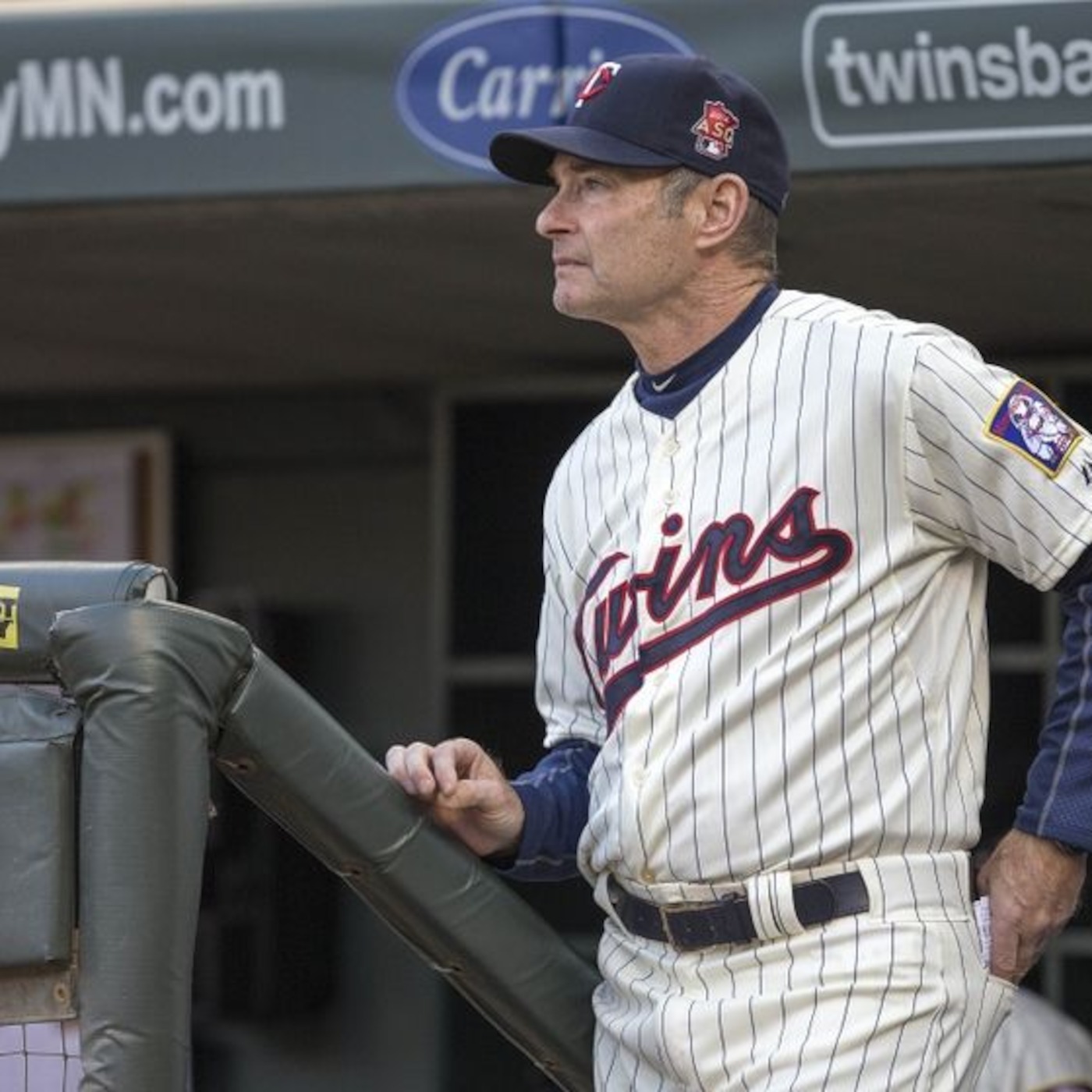
<img src="http://assets.podomatic.net/ts/19/ad/da/paulpleiss/1400x1400_10083539.jpg" alt="itunes pic" /><br />This week the boys discuss Paul Molitor and what his hiring means for the future of the Minnesota Twins. We're also joined by Bill Parker (@Bill_TPA) to talk about the Twins' roster and some potential free agent targets to help fill in the 2015 roster.
As always, we chat about beer, baseball, and the news. I forgot to ask Bill on air what he was drinking, be he assures me it was a Laguntas Little Sumpin' Sumpin', so there's that!


Thanks for listening and enjoy the show.


<a href="http://talk2contact.podomatic.com" class='bbc_url' rel='nofollow external'>Source</a>

0 Comments

Recommended Comments

There are no comments to display.

Guest
Add a comment...

Account

Navigation

Search

Search

Configure browser push notifications

Chrome (Android)
  1. Tap the lock icon next to the address bar.
  2. Tap Permissions → Notifications.
  3. Adjust your preference.
Chrome (Desktop)
  1. Click the padlock icon in the address bar.
  2. Select Site settings.
  3. Find Notifications and adjust your preference.