USAFChief
Community Moderator
-
Joined
-
Last visited
Everything posted by USAFChief
-
Why indeed!

-
Du-uh...Yes.
-
Yeah, got it bad. Turns out my therapist...well...She's A Lady.
-
I guess...

-
Ha. Clear as day on the radio. Wendlestadt: "You can't see that Rocco! You really wanna end your day on something you can't see?"
-
You had ONE JOB, Smeltzer!
-
Hey everyone, look who's here! What's new pussycat?
-
I've been seeing a therapist lately. Last time I went, I told him I've been singing "The Green Green Grass Of Home" a lot. I just can't get that song out of my head. He told me I have Tom Jones Syndrome. "Is that common?" I asked. "It's not unusual."
-
I believe it was a strained quad.
-
I could live with that.
-
ROCCO!!1!
-
I know. Game threads just ain't what they used to be.
-
GAR-REE! GAR-REE! GAR-REE!
-
We know who to blame for the K
-
Kepler!!
-
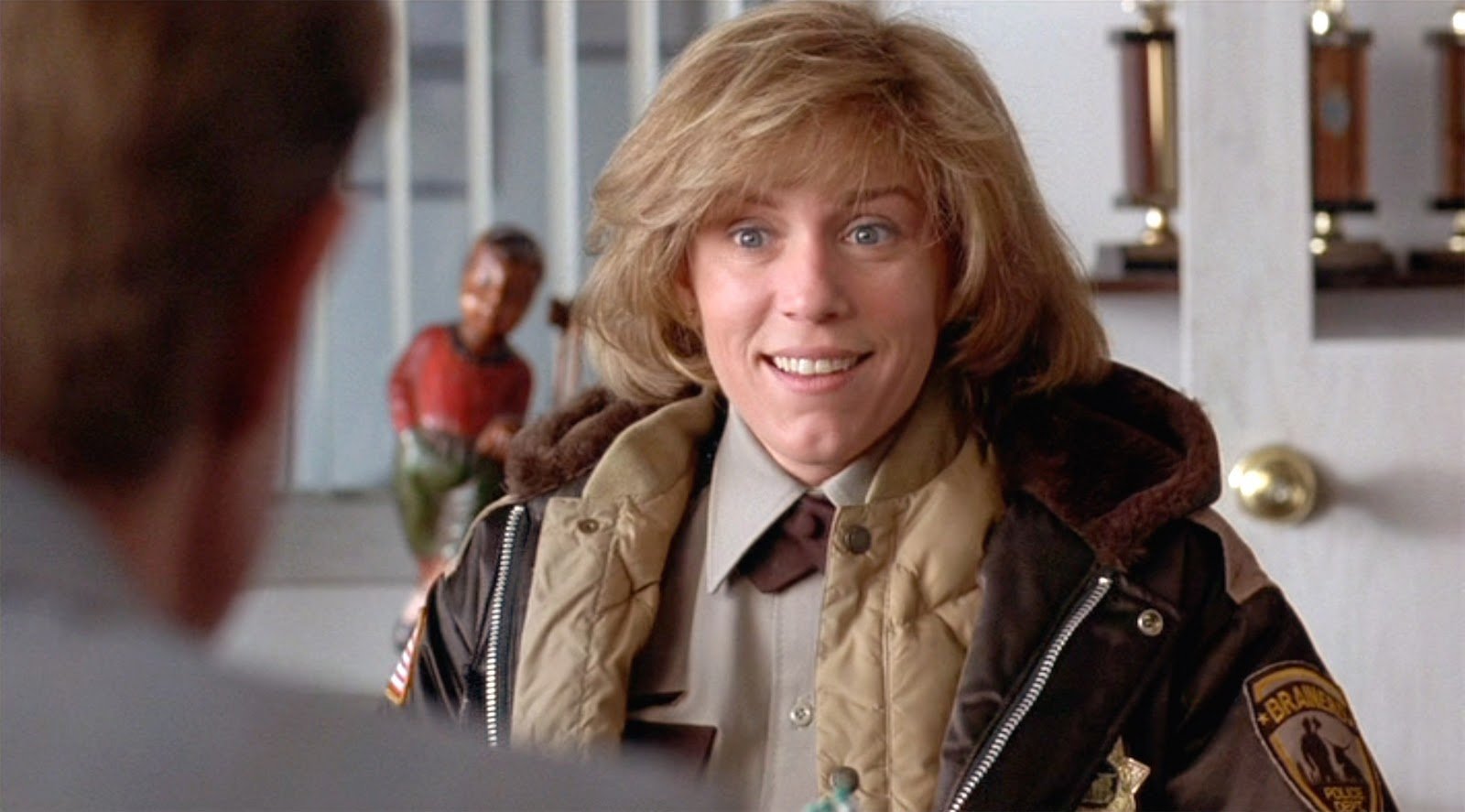
Oh, yah, great song, eh?
-
Heh. Yeah, sure. In a manner of speaking.
-
Say what now? "Play through?"
-
Yes. Had that one cued up. . 9.
-
Yes. I mean, I was pretty clear, was I not?? Sheesh.
-
Complete game shutout is all I ask, Smell-zee.
-
A round of golf takes me FROM Tuesday to Sunday morning.
-
But anyway, as I was saying, TWO OUT RBI! Better than se... ... Better than not getting 2 out RBI.
-
I've been trying to get myself into better shape, working with a personal trainer. I asked him if he could train me to do the splits. "Well, how flexible are you?" he asked. "I can do anything but Tuesday and Sunday mornings" I said.
-
I miss April Buxton.