


Leaderboard
-
-
-
Bob Sacamento
Verified MemberPoints1,737Posts -
mikelink45
Verified MemberPoints7,531Posts


Popular Content
Showing content with the highest reputation since 07/26/2014 in Images
-
Dave WInfield
davidc3915 reacted to mikelink45 for a gallery image
1 point
From the album: Twins DHs
1 point -
1 point
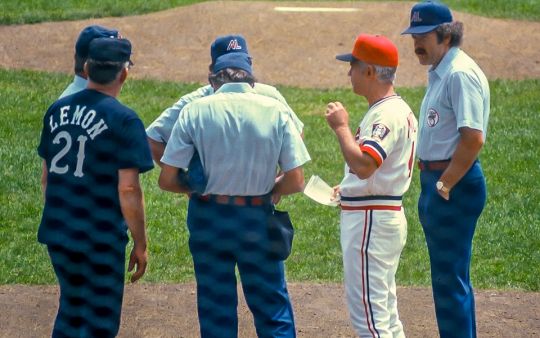
From the album: Twins June 26, 1977
Gene Mauch and Bob Lemon exchange lineup cards before the game. Photo by William J. Shide.1 point -
1 point
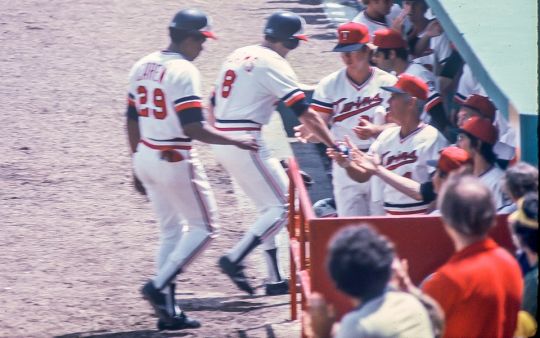
From the album: Twins June 26, 1977
Rod Carew and Glenn Adams after Adam's grand slam in the second inning. Photo by William J. Shide1 point -
Large Twins Sign
Greglw3 reacted to Bob Sacamento for a gallery image
1 point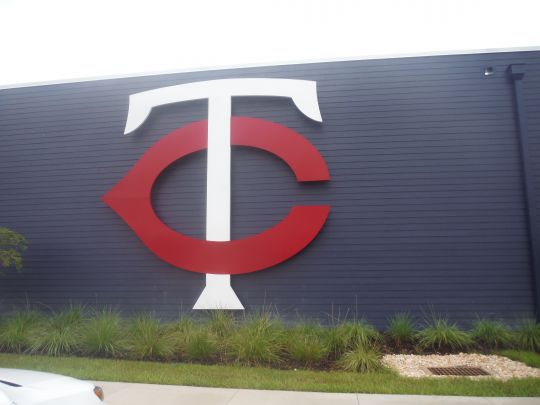
From the album: Twins Instructs 9/20/2014
Old school Twins sign1 point -
1 point


This leaderboard is set to Chicago/GMT-06:00